
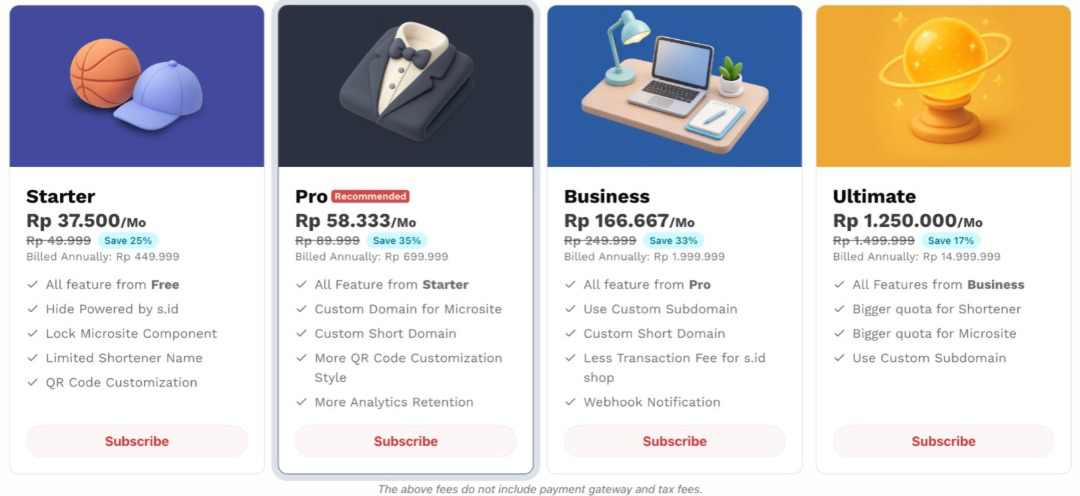
Subscribe (Year)
- Please log in by clicking Login/Register in the top-right corner. Then, enter your existing account credentials. If you don't have an account yet, click (Create Account) to register a new one.
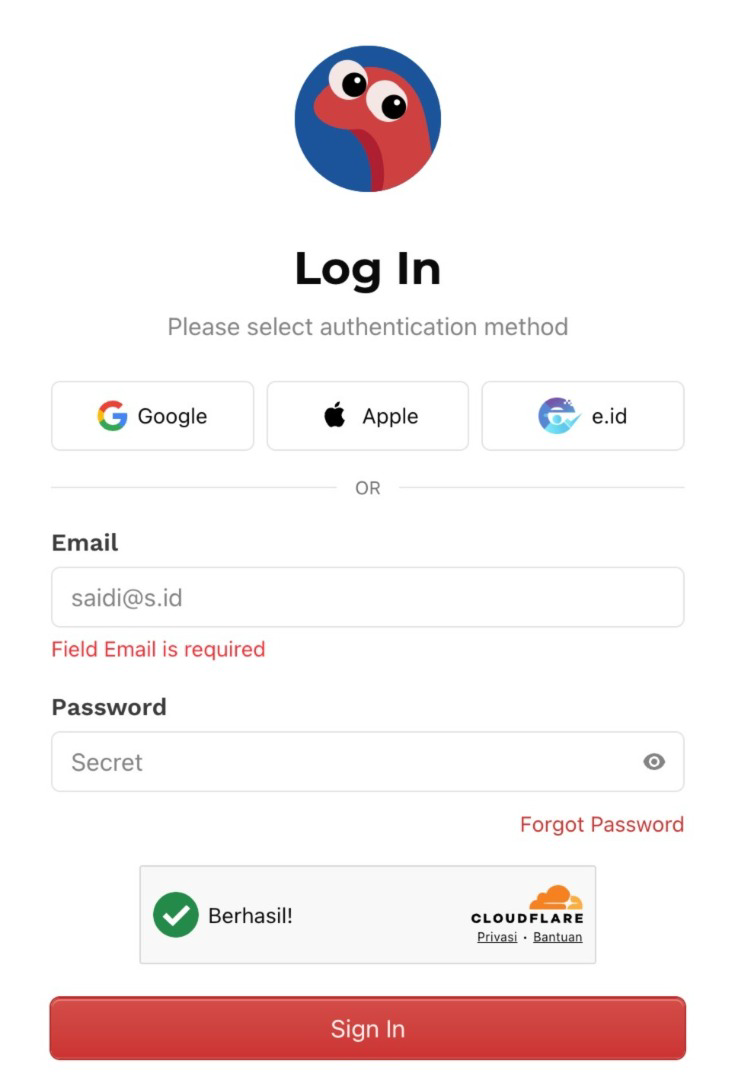
Login s.id
- Choose the subscription plan that best suits your needs, then click the Subscribe button to continue.
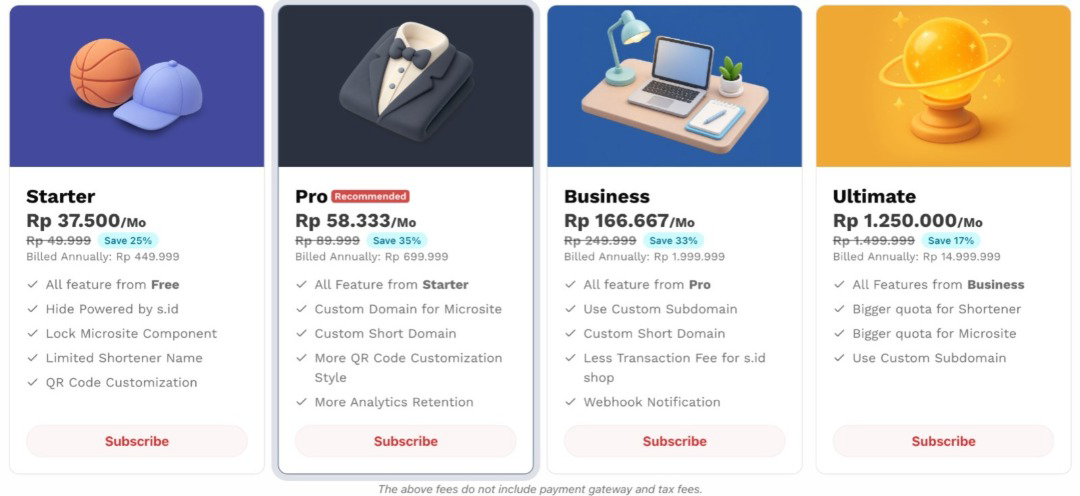
Subscribe (year)
- Select your preferred payment method to complete the transaction.
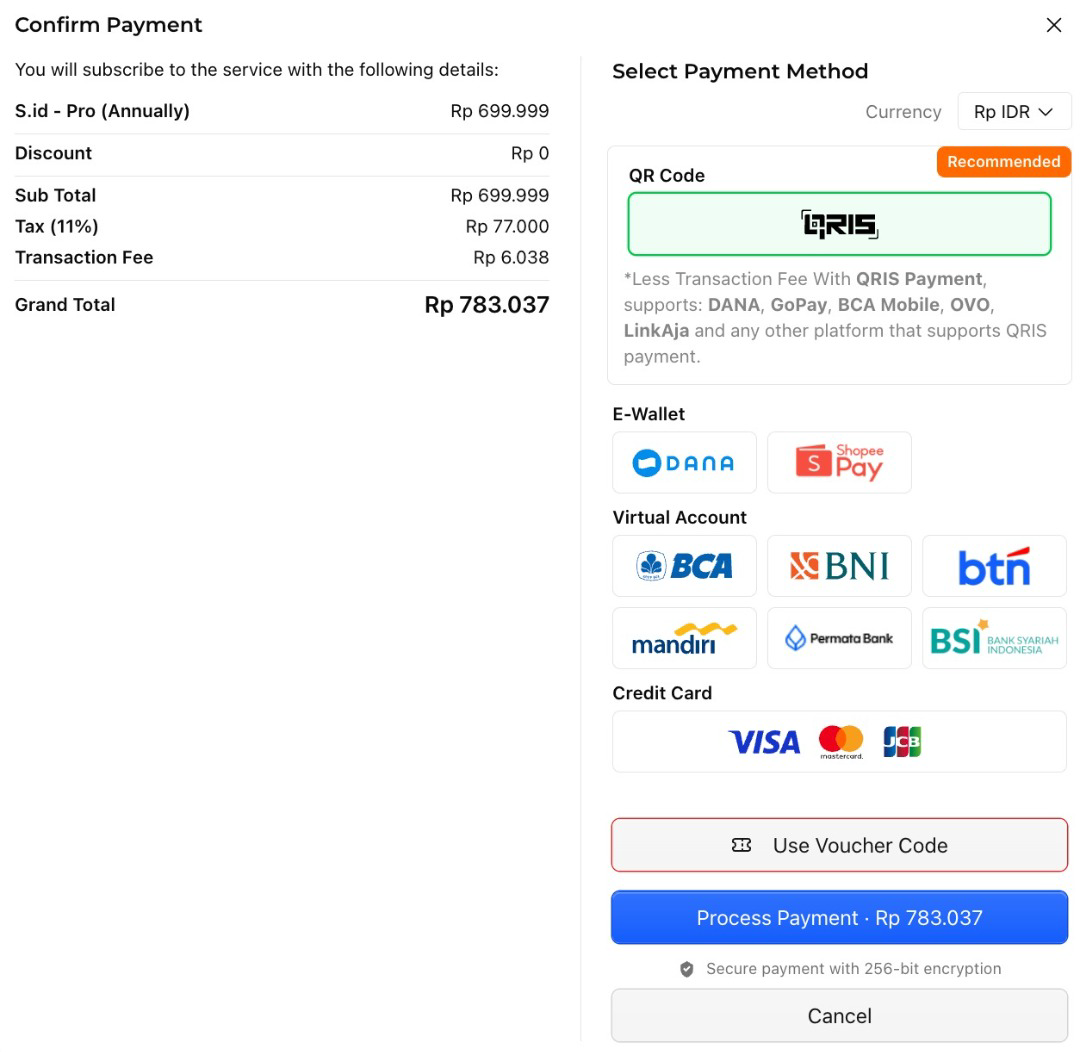
- Select the payment method:
For example :
- e-wallet / QRIS.
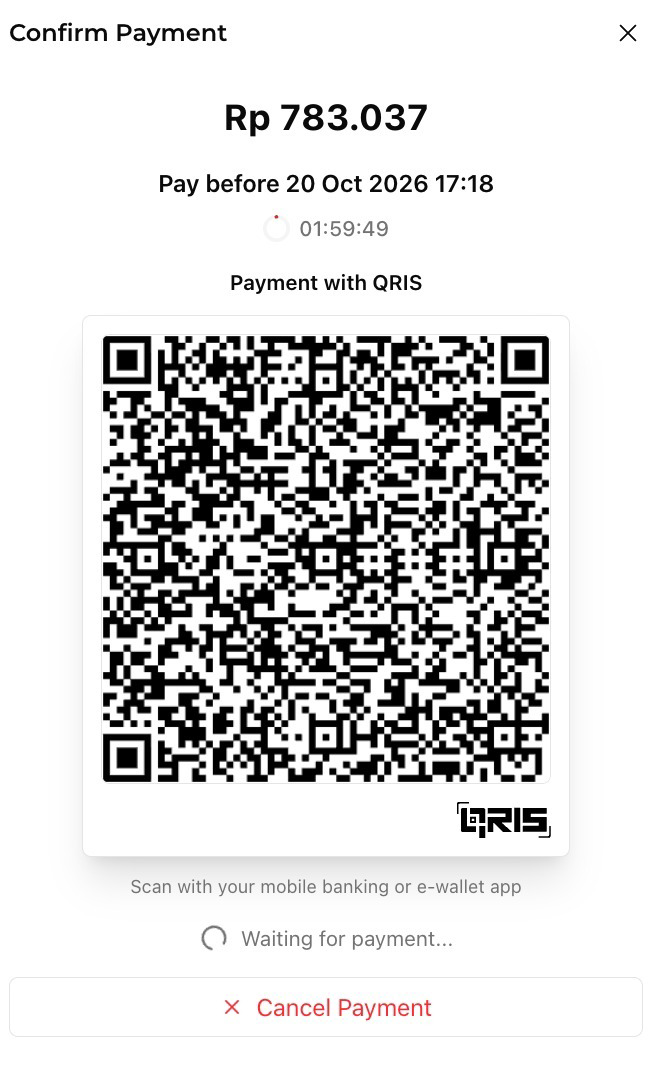
Note: The payment code will expire after 2 hours. Please complete the payment before it expires.
-
Once the payment is successful, your subscription process will be complete, and your selected plan will be ready to use.
-
To verify your subscription status, return to the s.id Dashboard and open the Subscription menu. You can also check your active subscription plan displayed near the s.id logo.
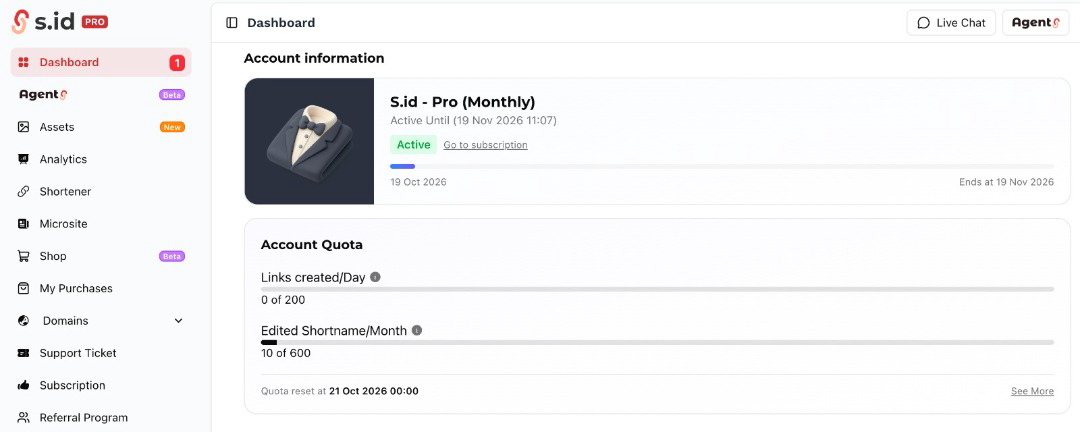
8. Congratulations! Your subscription has been successfully activated. You can now enjoy the various s.id features included in your selected plan.