
- Passwords: The First Line of Defense
- Use Strong and Unique Passwords
- Enable Multi-Factor Authentication
- Don't Click Links Without Checking Them
- From Passwords to Passkeys
- Why Are Passkeys Interesting?
- Don't Forget About Your Email
- Keep Your Devices and Apps Updated
- Be Careful With Public Wi-Fi and Shared Devices
- Digital Security Is a Habit
- Passwords May Not Disappear, but the Way We Log In Is Changing
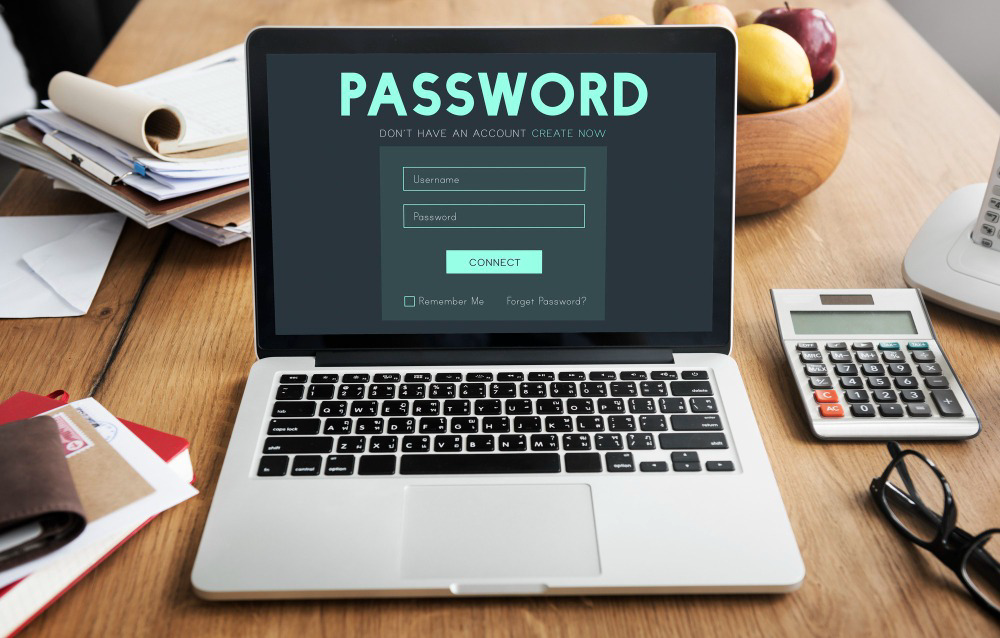
Think about all the digital activities you do in a single day. Checking your email, scrolling through social media, storing photos, shopping online, or accessing financial services.
Almost all of them require one thing: a digital account.
The problem is that the more accounts we have, the more security risks we face. A weak password or a password reused across multiple accounts can create an opportunity for someone to gain unauthorized access.


That is why protecting your digital accounts is no longer optional. It has become part of everyday digital habits.
So, how can you better protect your accounts? And are passwords still enough to keep up with today's security threats?
Passwords: The First Line of Defense
Passwords are still one of the most widely used methods of authentication.
However, the problem is not necessarily the password itself. The real issue is using passwords that are too simple or reusing the same password across multiple accounts.
For example:
- Your name
- Date of birth
- Partner's name
- Phone number
123456password123
Passwords like these can be relatively easy to guess, especially when personal information is publicly available online or on social media.
The situation becomes even riskier when the same password is used for multiple accounts.
Imagine one of your accounts gets compromised. If you use the same password for your email, social media, and other services, an attacker may try those same credentials on other platforms.
One leaked password can potentially become a problem across multiple accounts.
Use Strong and Unique Passwords
One simple way to improve your account security is to use a unique password for every account.
A strong password should not be easily connected to your personal information.
Instead of using:
MyName123
it is better to use a longer and more unpredictable combination of characters.
But this creates another problem:
How are you supposed to remember dozens of different passwords?
This is where a password manager can help.
A password manager allows you to securely store different passwords so you do not have to memorize each one individually.
That way, every account can have its own unique password without becoming impossible to manage.
Enable Multi-Factor Authentication
A password alone may not always be enough.
That is why many services offer Multi-Factor Authentication (MFA).
With MFA, users need to complete more than one verification step before gaining access to an account.
For example:
Password + verification code
or
Password + authenticator app
or
Password + trusted device
So, even if someone manages to obtain your password, they may still need another authentication factor to access your account.
The more important the account, the more important it is to have an additional layer of protection.
Don't Click Links Without Checking Them
Threats to digital accounts do not always come from weak passwords.
One common method used to steal login information is phishing.
Phishing often involves messages or websites designed to look like they come from a legitimate service.
For example, you might receive a message saying:
“Your account will be deactivated soon. Click this link to verify your account.”
The message may look convincing.
However, the link could lead to a fake website designed to steal your username and password.
Before entering any login information, make it a habit to check:
- The website address
- The sender
- The message content
- The link provided
- Whether the request actually comes from the official service
Don't rush when a message asks for sensitive information.
From Passwords to Passkeys
Account security technology continues to evolve.
One innovation that is becoming increasingly popular is the passkey.
Unlike traditional passwords that need to be remembered and typed, passkeys use cryptographic authentication and can be associated with a user's device.
In practice, users can authenticate using methods such as:
- Fingerprint
- Face recognition
- Device PIN
- Screen lock
This means you do not always need to type a password when signing in to a service that supports passkeys.
Why Are Passkeys Interesting?
One of the main advantages of passkeys is that users do not need to create and remember a password for every service.
They can also help reduce the risk of phishing because the cryptographic credentials are designed to be associated with the service or domain where the passkey was created.
This can make the login experience both simpler and more secure.
However, passkeys do not necessarily mean that passwords have to disappear immediately.
Passkeys and passwords can currently coexist, depending on the service and device being used.
Don't Forget About Your Email
There is one account that is often overlooked, even though it is extremely important:
Your email.
Email accounts are often used to recover access to other digital accounts.
If someone takes control of your primary email account, they may be able to use password recovery features to gain access to other services.
That is why your email account deserves extra protection.
Use a unique password, enable MFA or other available authentication methods, and make sure your recovery email and phone number are still under your control.
Protecting your email can help protect many of your other accounts as well.
Keep Your Devices and Apps Updated
Account security is not only about how you log in.
The devices and applications you use also need to be kept up to date.
Software updates often include security fixes designed to address vulnerabilities discovered in the system or application.
So, avoid delaying updates for too long, especially for your operating system, browser, and other important applications.
Updates are not just about getting new features. Sometimes, they also help close security gaps.
Be Careful With Public Wi-Fi and Shared Devices
Accessing important accounts through untrusted devices or networks also requires caution.
For example, when using a public computer or someone else's device.
Avoid saving passwords or selecting options such as “Remember Me” on devices that do not belong to you.
When you are finished, make sure you log out.
When using public Wi-Fi, avoid accessing highly sensitive services unless necessary, especially if you are unsure about the security of the network.
Digital Security Is a Habit
Protecting your digital accounts does not have to be complicated.
Start with a few simple habits:
Use strong and unique passwords.
Enable MFA whenever available.
Consider using passkeys.
Don't click links without checking them first.
Use a password manager if you have many accounts.
Keep your devices and applications updated.
Protect your primary email account.
Log out from devices that are not yours.
No single method can guarantee that an account will always be completely secure.
However, the more layers of protection you use, the harder it becomes for unauthorized parties to take control of your accounts.
Passwords May Not Disappear, but the Way We Log In Is Changing
The digital world continues to evolve.
In the past, we might only have needed to remember one or a few passwords. Today, we may have dozens of accounts, each with different security requirements.
Then came MFA, password managers, biometric authentication, and now passkeys.
This evolution highlights one important point:
Digital security is not something you learn once and forget.
Technology will continue to change, and so will the way we protect our digital identities.
So, don't wait until your account gets compromised before taking security seriously.
Because in the digital era, an account is more than just a place to store data. It is part of your identity online.
And protecting that identity starts with the small habits you build today.