
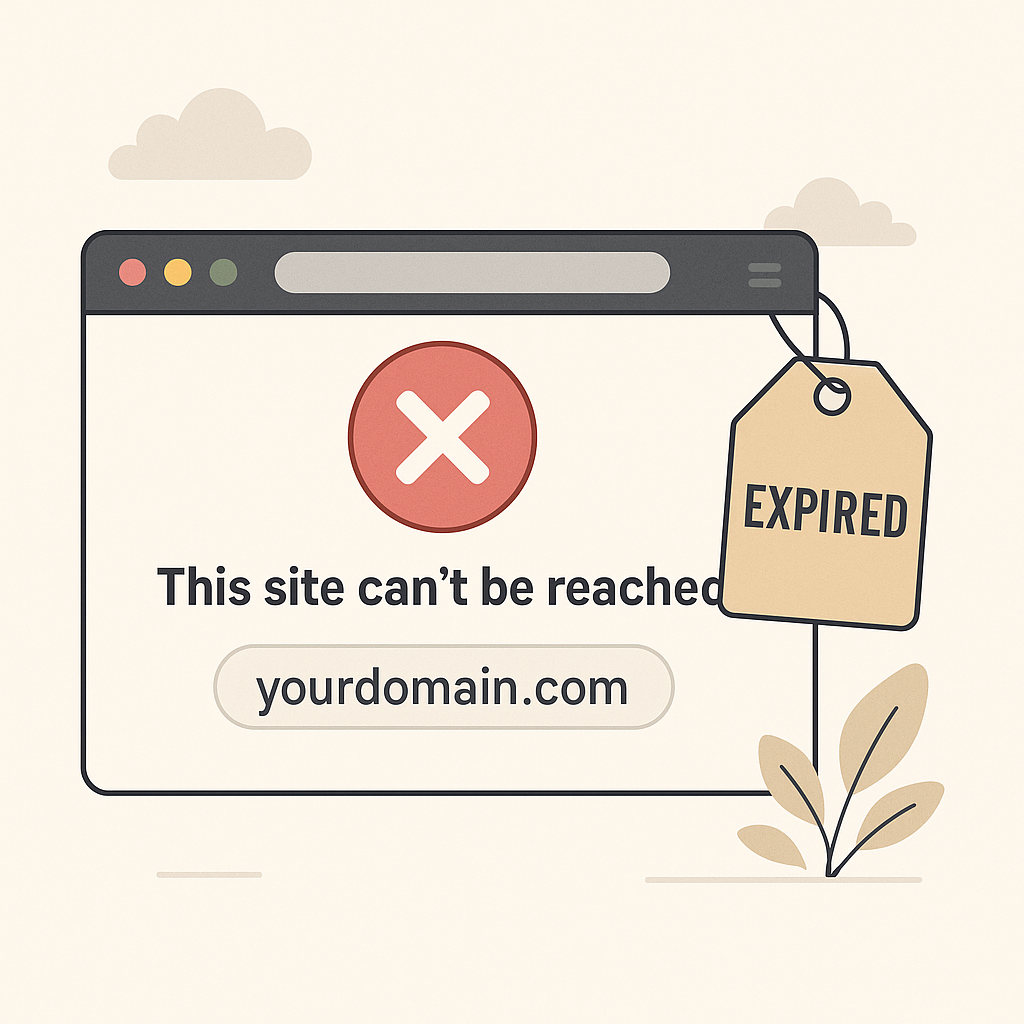
Have you ever experienced your custom domain—like tokokamu.com or link.brandkamu.id—suddenly becoming inaccessible? When someone tries to visit the link, all they see is an error message or a blank page? That could mean your domain has expired!
Let’s break down why this can happen and how to fix it 👇
What is a Custom Domain?
A custom domain is a personalized link you use instead of the default s.id link, such as s.id/tokokeren. Examples include:
www.bisniskeren.compromo.brandmu.idlink.tokosukses.com
With a custom domain, you appear more professional, memorable, and trustworthy in the eyes of your visitors.
Why Is My Custom Domain Inaccessible?
A custom domain can become inactive or unreachable for several reasons. The most common ones are:
1. Your Domain Has Expired
If you purchased your domain from a provider (such as Niagahoster, Domainesia, GoDaddy, etc.) and forgot to renew it, your domain will expire. When that happens:
- Your domain is no longer connected to your s.id microsite
- Visitors will see an error message when clicking the link
- Business emails connected to the domain may stop working too
2. Your s.id Subscription Has Expired
The custom domain feature is only available to users with a Pro or Business plan on s.id. If your subscription has expired and hasn’t been renewed:
- The system will temporarily disable your custom domain connection
- Even if your domain is still active, visitors won’t be able to access your microsite through it
What Happens If You Ignore It?
🔻 Your brand will appear unprofessional
🔻 Visitors may think your site is inactive
🔻 Sales and engagement could drop significantly
🔻 You could miss out on promotional opportunities
How to Fix It:
✅ Check Your Domain Status Log in to your domain provider’s dashboard and check if your domain is still active. Renew it immediately if it has expired.
✅ Renew Your s.id Subscription Visit s.id/subscription and select a plan—at least the Pro plan—to keep your custom domain active.
Tips to Prevent This in the Future:
- Set a reminder before your domain’s expiration date
- Always keep your s.id subscription active