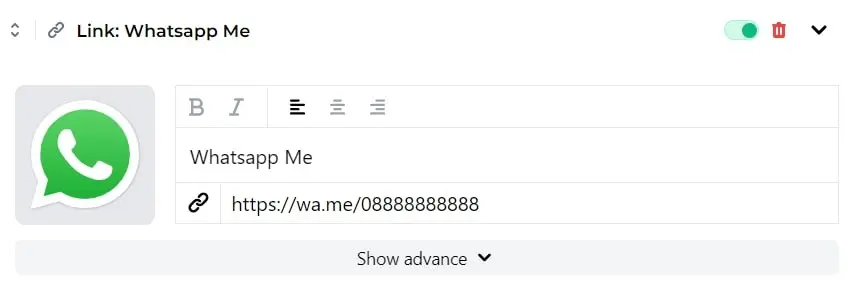
You can easily add your WhatsApp phone number as a link to stay in touch with your audience.
- Login into your S.id Account
- Choose Microsite and Click Add New Component, Choose** "Link"**
- Click "Choose image or icon"
- Choose Icon and choose "Brand"
- Search WhatsApp and click
- Add title such as "WhatsApp me"
- Copy and paste the WhatsApp URL following this format: Examples: Use: https://wa.me/6288888888