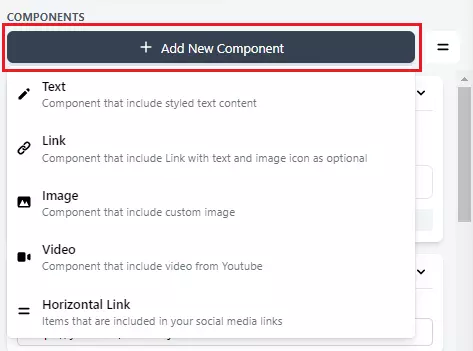
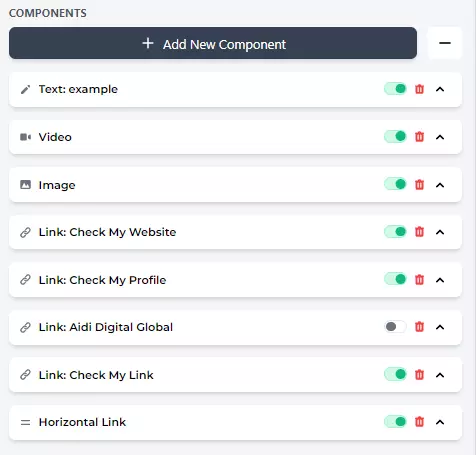
1. Active / Deactivate
If you want to show or not show microsite components, swipe **right **to show and swipe **left **to hide.
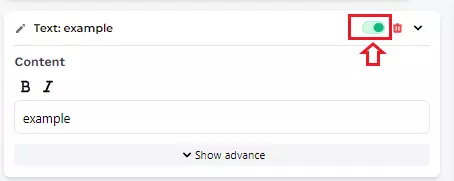
2. Delete
Click this icon to remove the component.
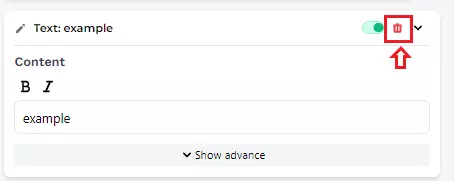
3. Collapse Bar
This icon serves to display the collapse bar on all microsite components.
Example :
This icon serves to display the collapse bar on only one microsite component.
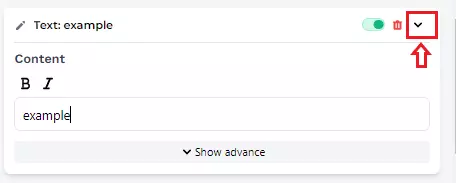
Example :
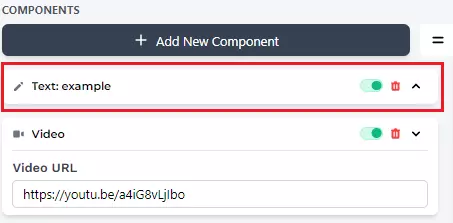
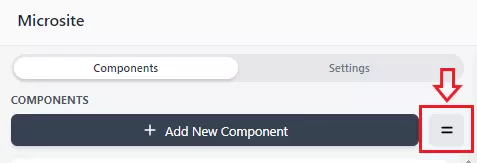
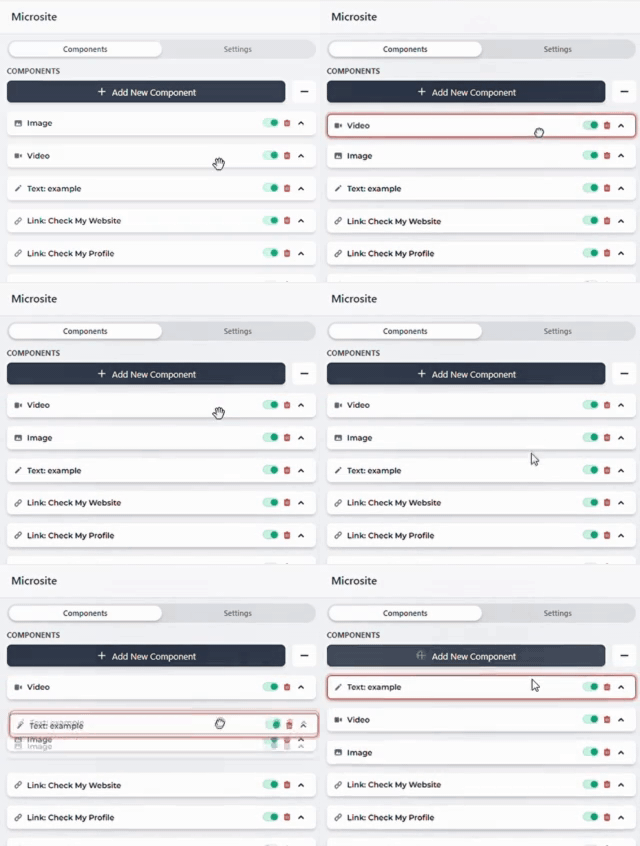
5. Change Component Order
Click and drag to move pages up or down the list.
5. Add New Component
You can add any components you want