
Here are the steps you can follow to get your referral code from s.id:
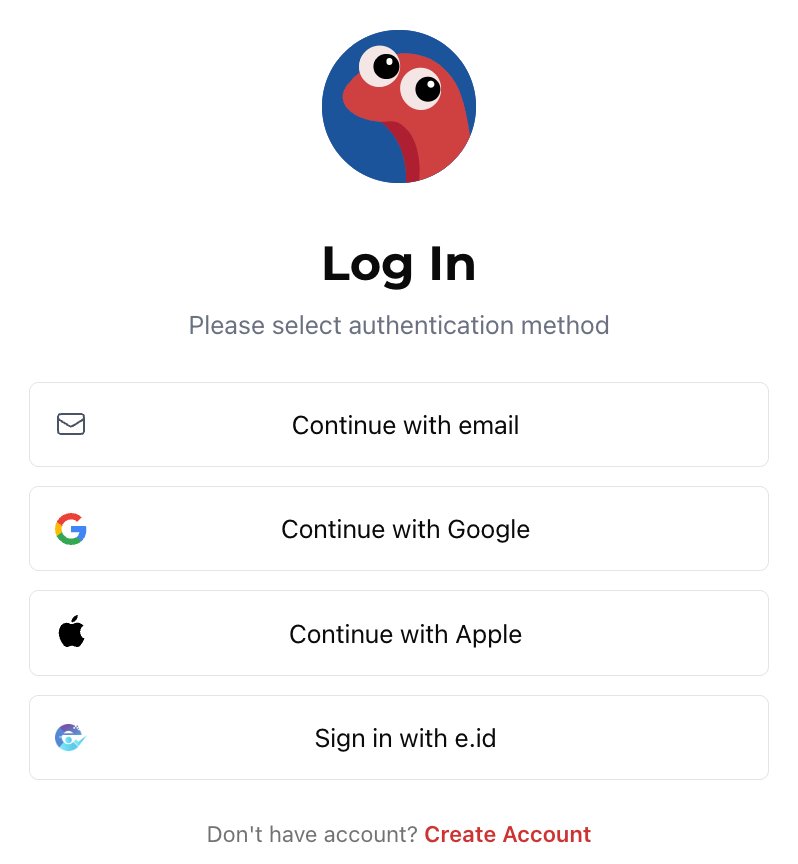
Log in to your s.id account
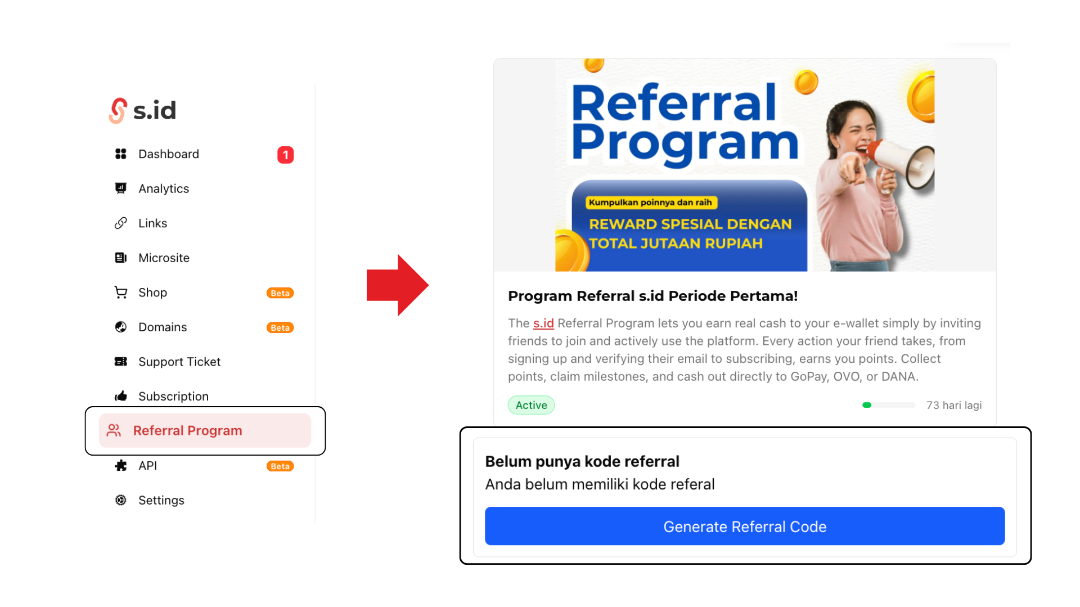
Open the dashboard, then click "Referral"
If you don't have a code yet, click the "Generate Referral Code" button
Your code will be automatically created and ready to use immediately
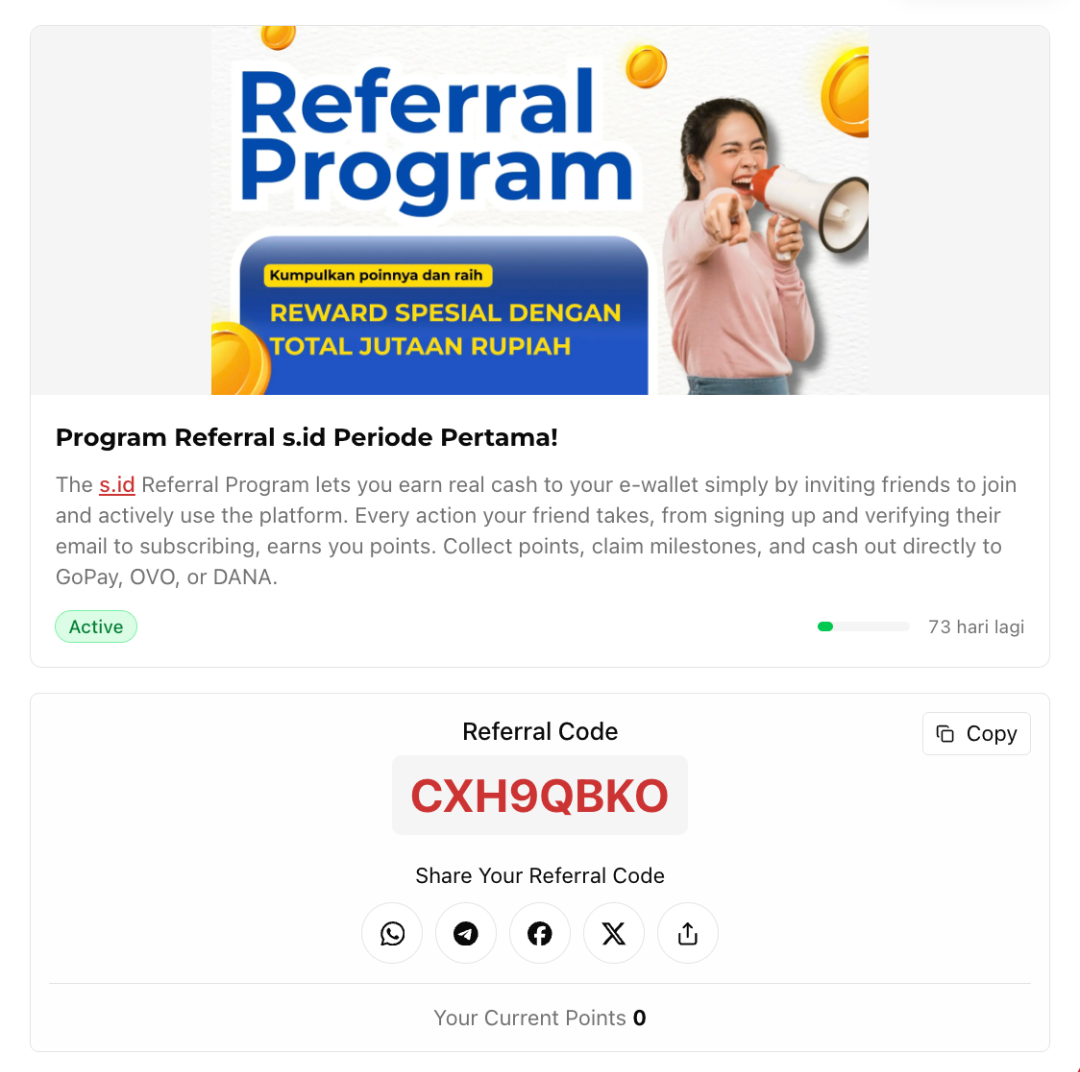
Note: Each account has only one unique referral code. This code is permanent and cannot be changed once generated.