
At s.id, we always strive to make it easier for you to create an engaging and personalized microsite. Now, you can use ready-to-use avatars and backdrops directly from s.id to enhance your microsite!
What Are Avatars and Backdrops?
- Avatar: A profile picture or icon that represents you or your brand on your microsite.
- Backdrop: A background image that enhances the look of your microsite, making it appear more professional and unique.
**How to Use Avatars and Backdrops from **s.id
- Log in to your s.id account.
- Go to the Microsite menu and select the microsite you want to edit.
- Edit your profile.
- Click on the image to change your microsite avatar. You can choose from image assets provided by s.id.
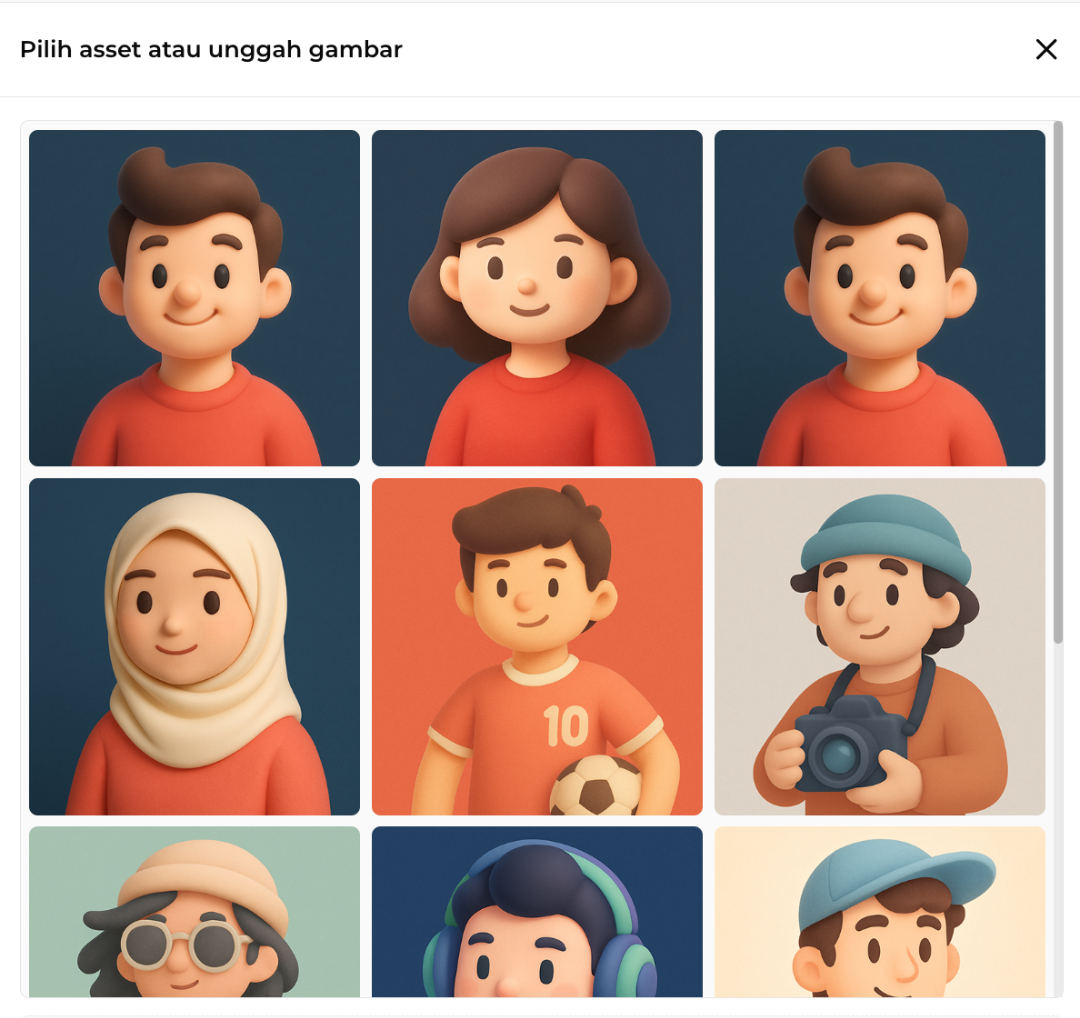
- To change your backdrop, click "Add Cover Image" and select an image asset from s.id that matches your preference.
Once completed, your profile photo (avatar) and backdrop will be successfully updated!