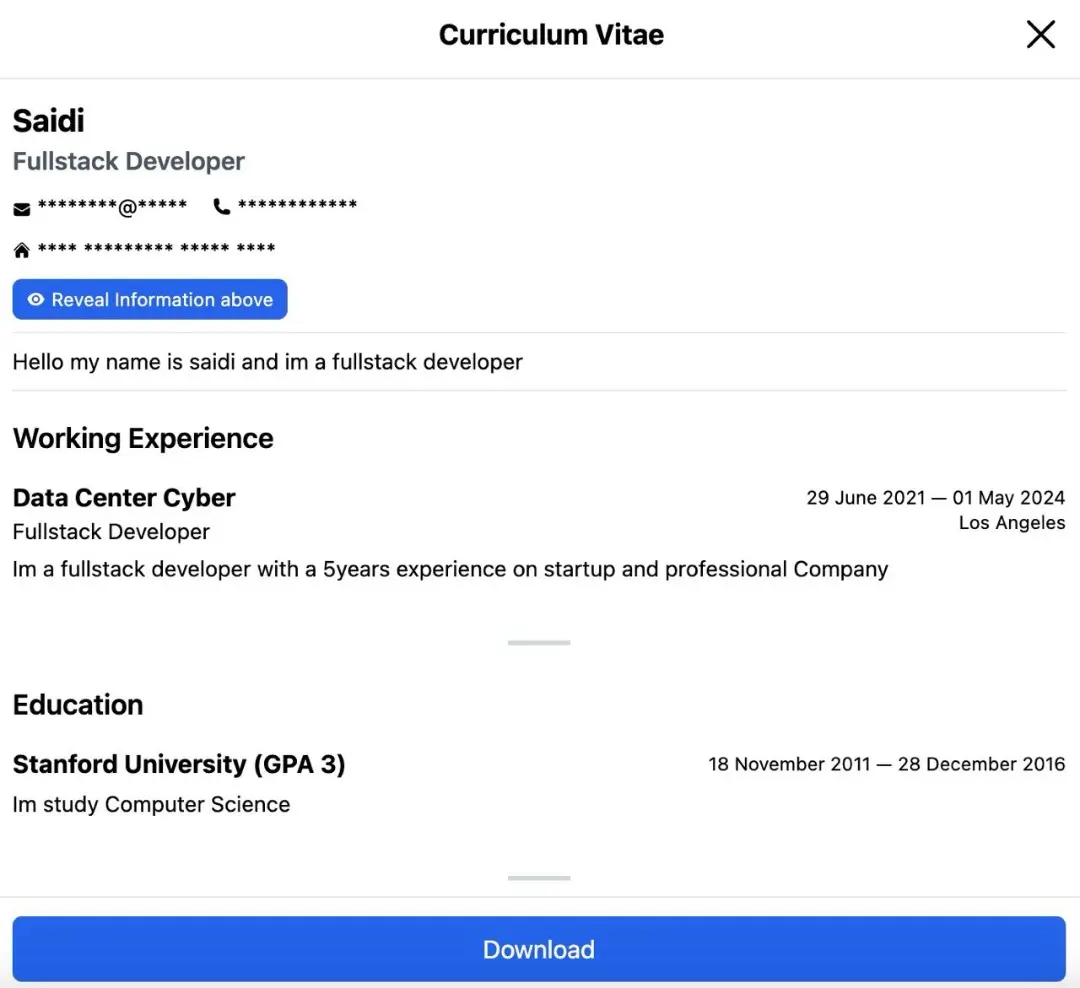
Hi s.id friends,
Other uses of s.id platform is apart from creating short links and microsites, you can also create a CV with s.id.
Curious to know how to make a CV with s.id? following steps:
- Create your microsite first
- Add a CV component to the component menu
- Fill in your personal data on the information page such as name, basic job, email, address and summary
- Next, fill in your work experience/working experience below. If you have more experience, you can add it by clicking "Add New"
- Next, add your education or education experience in the education menu. If you want to add a lot, you can also add an education column by clicking "Add New"
When finished, your CV menu is ready to appear on your microsite
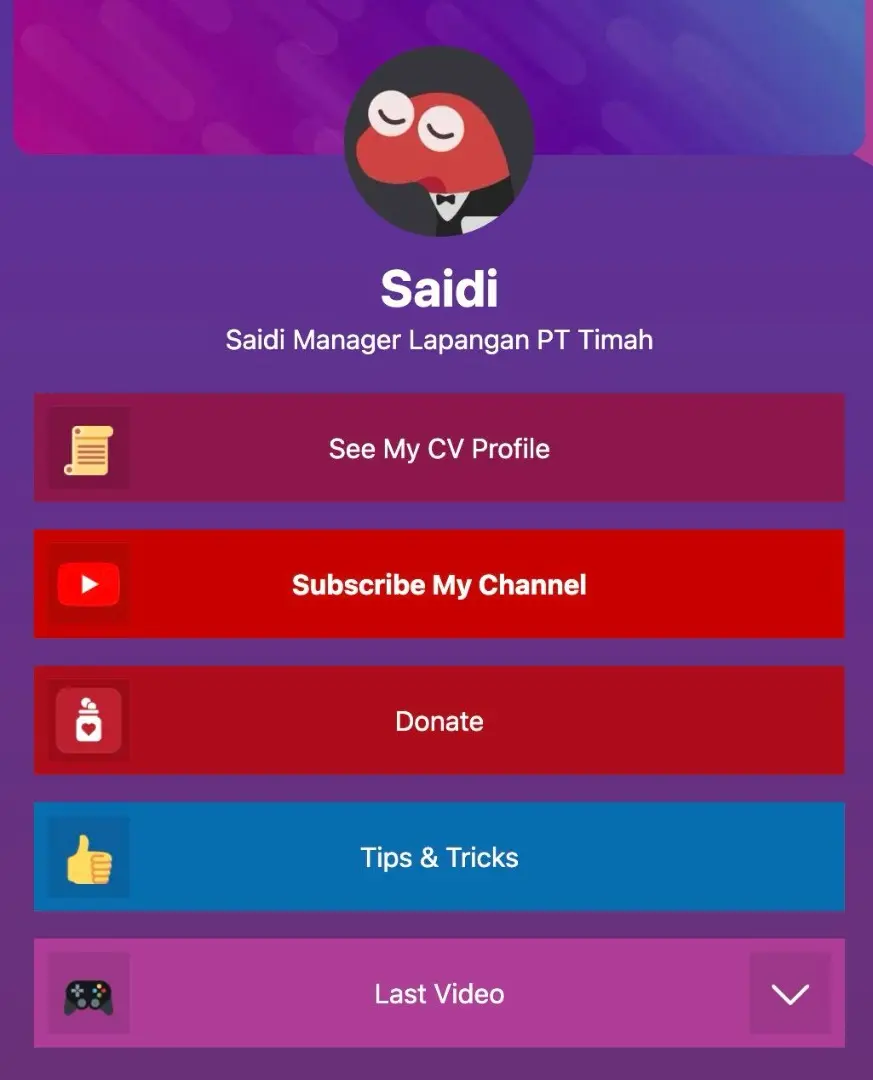
Here's what it looks like when clicked: