
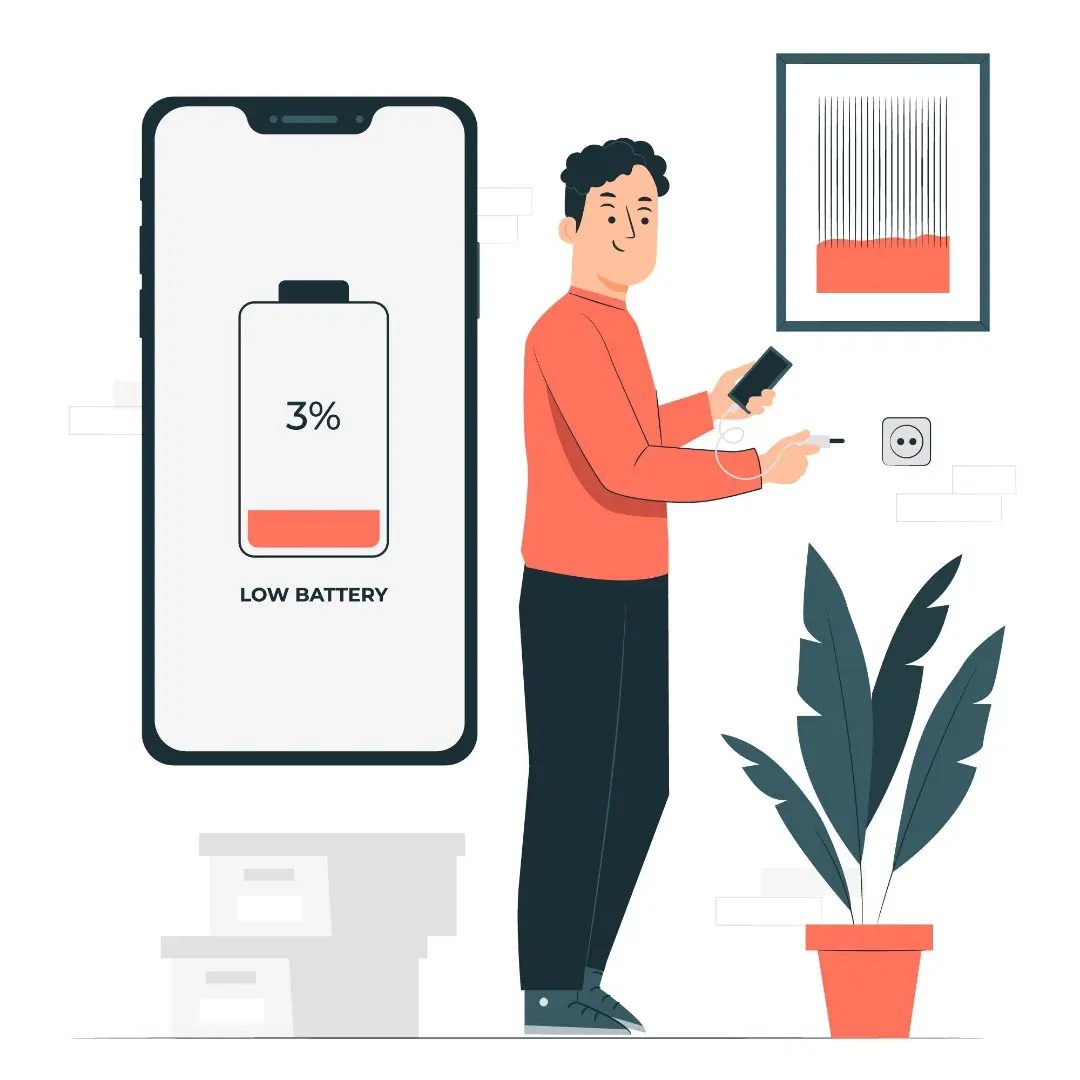
Ever feel like your phone battery drops way too fast, even when you're just casually scrolling or chatting?
You're not alone. The culprit might not be your phone’s age — it could be hidden settings that are silently draining your battery.
Let’s fix that! Here are 7 settings you should definitely turn off to make your battery last way longer on both Android and iPhone:




1. 📍 Always-On Location Services (GPS)
GPS is useful, but if it’s always running in the background… say goodbye to battery life!
What to do:
- Android: Settings → Location → App Permissions → Set to "Only While Using"
- iPhone: Settings → Privacy & Security → Location Services → Change to “While Using the App”
📌 Pro tip: Many apps (like weather, social media, or games) track your location even when you're not using them. Check those settings!
2. 🔄 Background App Refresh / Auto-Sync
Apps working silently in the background = slow battery death.
- Android: Settings → Accounts → Auto-sync data → Turn off if not essential
- iPhone: Settings → General → Background App Refresh → Turn off for less-used apps
📌 Pro tip: Disable for games, shopping apps, or anything that doesn’t need real-time updates.
3. 🌈 Live Wallpapers & Extra Animations
Sure, live wallpapers look cool — but they eat up power like crazy.
- Use static wallpapers instead
- Dark wallpapers on OLED screens = more battery saved
📌 Fun fact: Less movement = less drain. And your phone might even feel faster!
4. ✨ High Screen Brightness & Auto-Brightness Abuse
The screen is one of the biggest battery hogs.
- Lower your screen brightness manually
- Avoid maxing out auto-brightness in direct sunlight
📌 Bonus: Use Dark Mode to save battery and your eyes!
5. 📡 Bluetooth, NFC, & Wi-Fi When Not in Use
These features constantly search for connections — even when you're not using them.
- Turn them off when not needed
- Use Airplane Mode while sleeping or when battery is low
6. 🛎️ Excessive Push Notifications
Constant notifications = screen lights up nonstop = battery drain.
- Disable notifications for apps that aren't important (games, promos, etc.)
📌 Pro tip: Only keep alerts for essentials like messages, calendar, or important work tools.
7. 🔍 Keyboard & System Vibration
Vibration feedback is a silent battery killer, especially with every tap you make on the keyboard.
- Android: Settings → Sound → Turn off keyboard & touch vibrations
- iPhone: Settings → Sounds & Haptics → Disable system haptics
📌 Tip: Only keep vibration for calls or alarms if needed.
⚡ Bonus: Use Power Saving Mode!
- Both Android & iPhone have built-in power saving modes
- Turn it on when you hit below 30% to stretch every bit of battery