

Hi, now you can change the destination address or original link from your shortlink. This only applies to Starter services with 3 quotas changes per month.
Here's how to change your destination link address:
- Login to S.id and enter the Dashboard
-
Select Link in the Dashboard menu
-
Select the link you want to change, you can use search section to find your URL, then click Edit
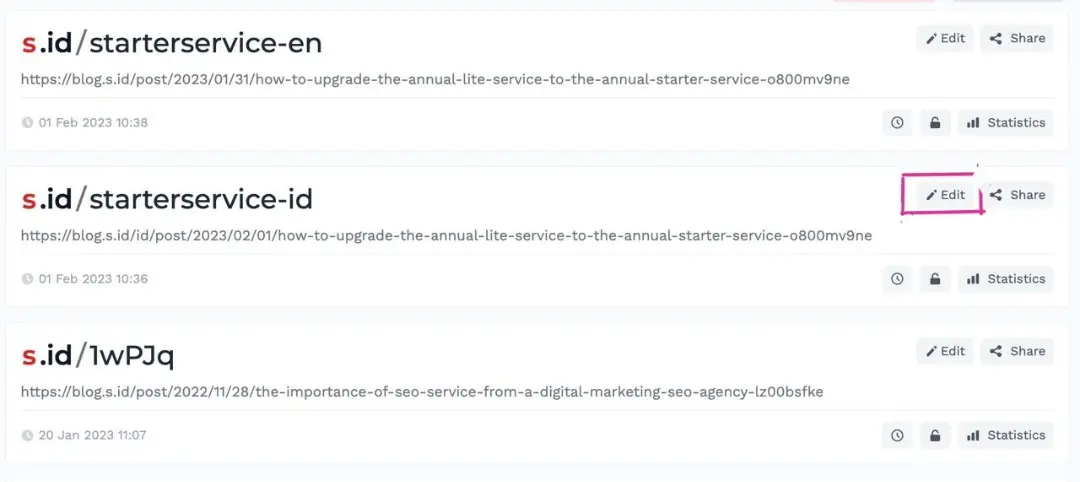
- In the Long URL section you can change the destination address and click Save
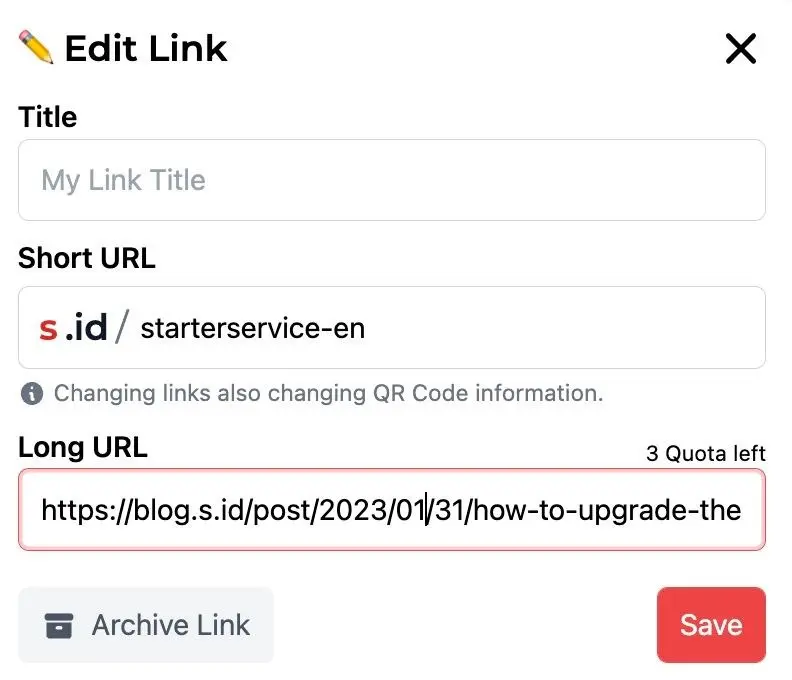
Note: For annual service users, every month you will get 3 quotas, so the total change you get is 36 times.