
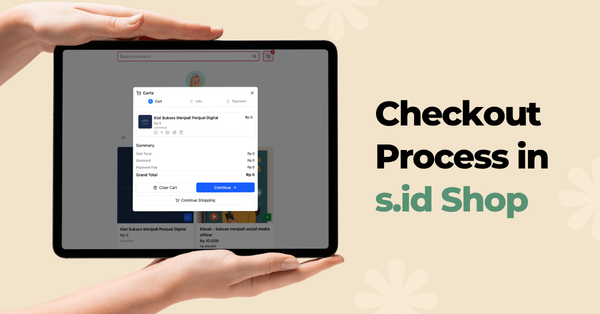
The checkout process consists of three steps, displayed as a progress indicator at the top of the page:
- Cart — Review your items, quantities, and order summary.
- Info — Enter your information or sign in with your s.id account.
- Payment — Choose a payment method and complete your purchase.
Step 1 — Cart
Click the Cart icon on the store page to open your shopping cart. Here, you can:
- Update item quantities.
- Remove items from your cart.
- Review the order summary, including Subtotal, Discount, Payment Fee, and Grand Total.
Click Continue → to proceed to the Info step.

Step 2 — Guest Checkout
On the Info step, the Guest Checkout tab is selected by default. Fill in the following fields:
- Full Name (required) — The name that will appear on the invoice.
- Email (required) — Your invoice and payment confirmation will be sent to this email address.
- Phone (optional) — Required only if you choose to pay by credit or debit card.
Click Continue → to proceed to the Payment page.

As a guest, you will still receive your invoice via email after completing the payment. To view your transaction history later, use the Transaction History via Magic Link feature from the transaction page.
Step 3 — Checkout with an s.id Account
If you already have an s.id account, select the Sign In tab on the Info step. A login window will appear with the following sign-in options:
- Continue with Email
- Continue with Google
- Continue with Apple
- Sign in with e.id
After signing in, your name, email, and phone number will be filled in automatically. If you'd like to use a different account, click Sign out and sign in again.

Click Continue → to proceed to the Payment page.